Uses your own subscriptions
Sign in with the account you already pay for. Codee3 never resells AI and never sees a key or a password.
Other editors added an agent. Codee3 is built around them: the project remembers, so Claude Code, Codex and Gemini CLI never start from zero. For Windows.
Most AI IDEs are older editors with an agent added on. Close the chat or switch agents and you explain the project again. In Codee3 the project keeps a brain: what was decided, and why. Every agent reads it.
Because the project holds the context, you can close a long chat and start fresh at any time. In our own use, across 39 handovers, starting a fresh session from a handover cut the context tokens sent per call by a median of about 70% over the 20 calls after it, against the 20 before (about 55% by cost).
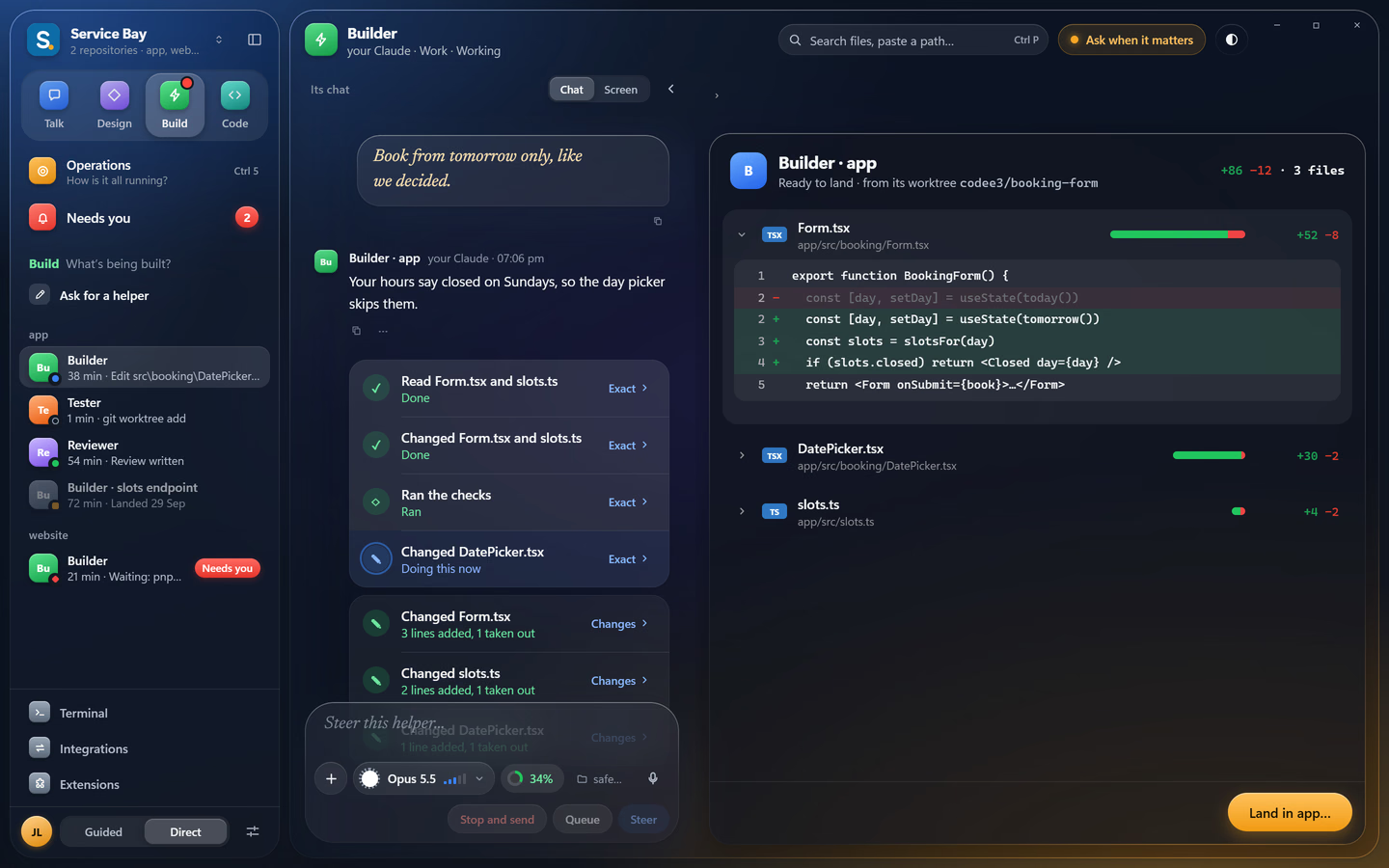
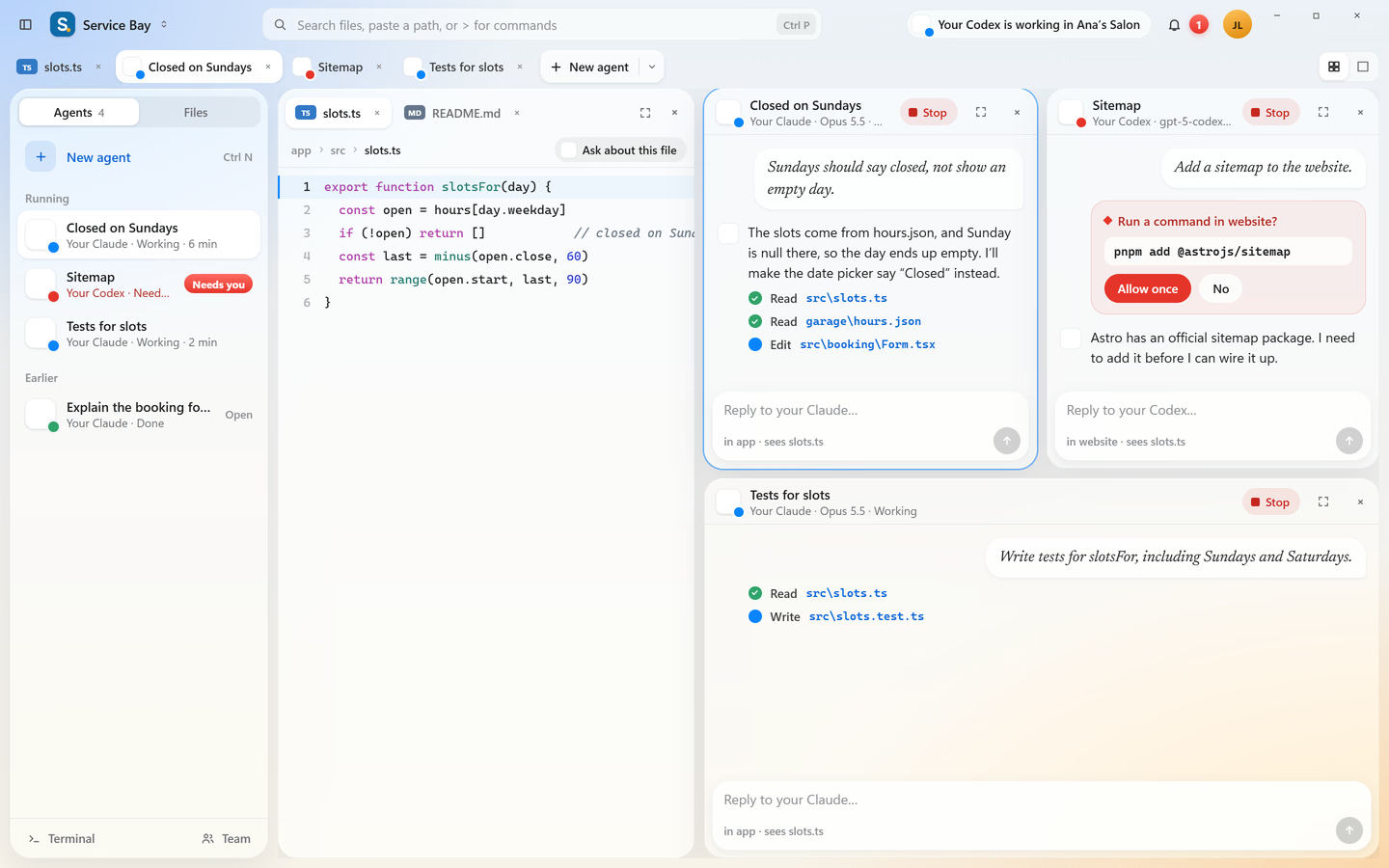
One ask turns into several jobs running at once. You only step in when a decision is yours.
Start free. When one agent isn't enough, Founder adds the parts that keep several of them in step.
Sign in with the account you already pay for. Codee3 never resells AI and never sees a key or a password.
Code, terminal, search and extensions. Markdown and HTML open as source, preview, or both side by side.
Hand a job to several helpers at once. Each works in its own safe copy of your code, so they can't overwrite each other.
Every question an agent is stuck on lands in one inbox, called Needs you, even on Free. Founder adds the orchestrator’s questions.
Every agent reads the brain, even on Free. Founder adds guards: a change that breaks a decision is stopped before it's written.
Look over what an agent changed, then land it: merge it into your main code in one step, even on Free. Founder lands its helpers’ work the same way.
Turn one on for a project and your agents can deploy, check errors, or read the ticket, with your own account.
Built for Windows first. Your agents run on your machine with your accounts. Codee3 keeps nothing about how you work, and the licence check works offline.
Most agent tools start on the Mac. Codee3 starts on Windows: native window controls, Windows paths, PowerShell in the terminal, and it pins to your taskbar like any other app.
Win↑ snapCtrlN new agentThe IDE, agent chats beside your code, the project brain and landing, for up to two projects open at a time. No time limit.
Download for WindowsThe brain, enforced. Guards stop drift, an orchestrator hands jobs to helpers working in parallel, and every step is recorded. Unlimited projects.
Get notified